Nov 26 • Jordan Felber
Rhino vs. SketchUp for Landscape Design: Which 3D Tool Fits Your Workflow?
Related — Rhino 3D for Landscape Design

Choosing the right 3D modeling software is a critical decision for landscape designers — not just for creating visuals, but for how efficiently ideas move from concept to construction.
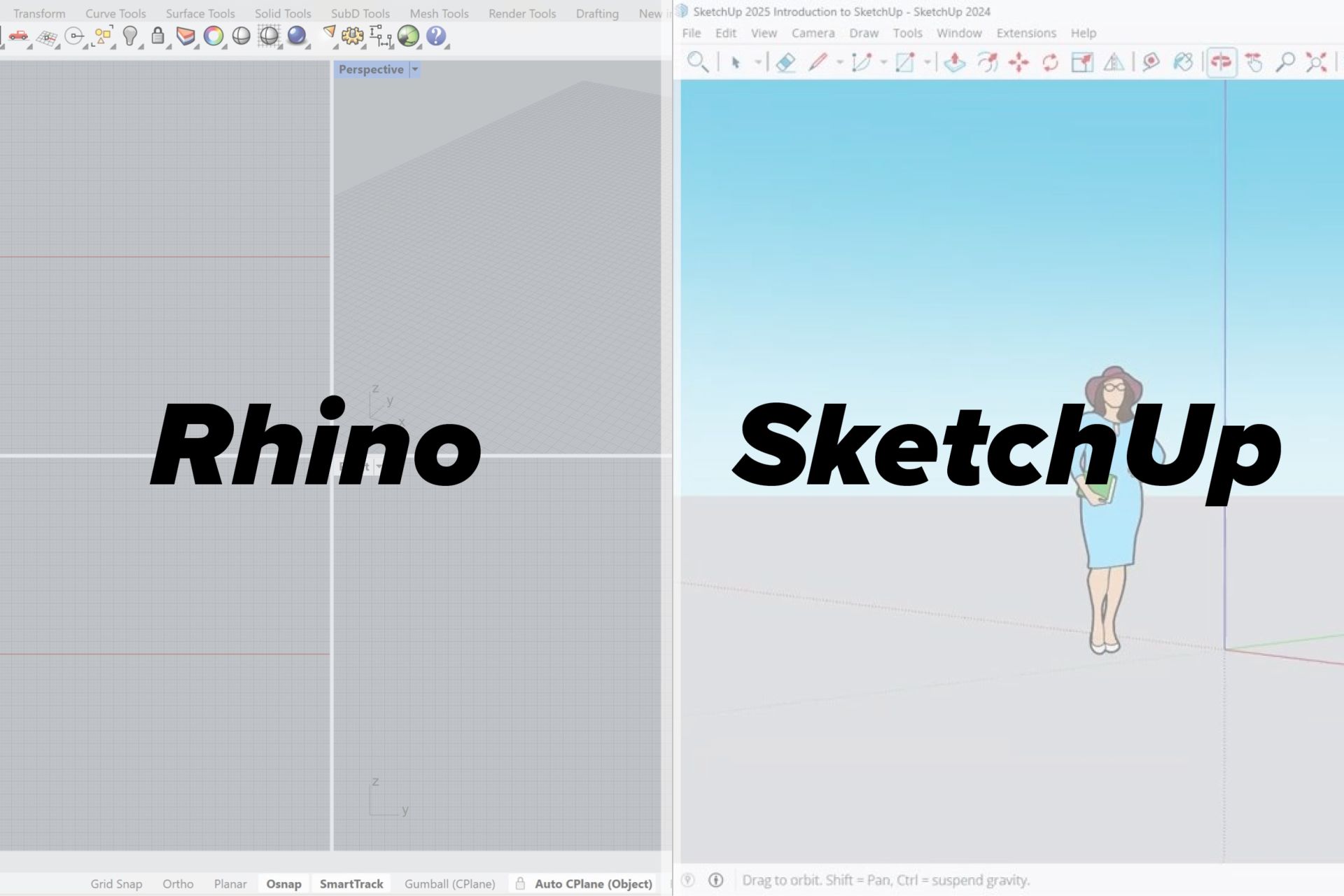
Rhino and SketchUp are two of the most commonly discussed tools in the 3D modeling space, yet they serve very different types of workflows.
Understanding where each excels helps designers avoid frustration, rework, and technical limitations as their projects become more complex.
Rhino and SketchUp are two of the most commonly discussed tools in the 3D modeling space, yet they serve very different types of workflows.
Understanding where each excels helps designers avoid frustration, rework, and technical limitations as their projects become more complex.
Who SketchUp Is Best For
SketchUp is best suited for landscape designers who prioritize simplicity, accessibility, and early-stage visualization. Its intuitive interface makes it easy to translate ideas into 3D form without a steep learning curve. For many designers, SketchUp acts as a conceptual building block rather than a precision design tool.
Fast Concept Modeling
SketchUp allows designers to quickly block out forms, spaces, and basic site massing. This is especially useful during early design phases when proportions and spatial relationships matter more than technical accuracy.
Ease of Learning
One of SketchUp’s biggest advantages is how quickly new users can become productive. Designers with limited 3D experience can begin modeling almost immediately, making it approachable for teams or solo practitioners.
Client-Friendly Visuals
SketchUp excels at producing simple, readable models that communicate intent clearly to clients. When paired with basic styles or scenes, it’s effective for presenting concepts without overwhelming non-technical audiences.
Lightweight Modeling Needs
For projects that don’t require highly detailed terrain modeling or construction-level accuracy, SketchUp remains an efficient option. It works well when geometry remains relatively simple.
Who Rhino Is Best For
Rhino is best suited for landscape designers who want to operate at the same technical level as top architecture and visualization studios. It has become a standard modeling platform inside many of the world’s leading design firms, where precision, flexibility, and cross-disciplinary coordination matter. As visualization expectations increase, Rhino is no longer a specialty skill — it’s increasingly a baseline requirement.
Standard Tool in Top Design Studios
Rhino is widely adopted by leading architecture and landscape design firms because it integrates seamlessly into professional workflows. Its ability to move clean geometry between CAD, BIM, 3D printers, rendering engines, and documentation makes it a studio-standard platform rather than a conceptual add-on.
Visualization-Driven Workflows
Rhino is designed to support high-end visualization, not just modeling. When paired with tools like Enscape or V-Ray, it allows designers to produce presentation-quality imagery used in client pitches, competitions, and marketing materials. This level of visual output has become expected in professional practice.
Career and Hiring Advantage
Many high-end landscape architecture job listings now list Rhino as a preferred or required skill. Designers fluent in Rhino are easier to onboard, contribute faster to production teams, and are often trusted with more complex project scopes.
Business Scalability and Efficiency
For studios, Rhino reduces inefficiencies caused by fragmented software workflows. A single, adaptable modeling environment lowers training time, improves collaboration, and supports consistent output across teams — which directly impacts profitability and project timelines.

How Landscape Designers Typically Learn Rhino
Most landscape designers do not learn Rhino all at once and rarely by accident.
The learning process usually begins with simple modeling tasks, followed by a gradual transition into studio specific workflows like terrain modeling, architecture modeling, and visualization coordination.
As projects become more complex, designers often realize that piecing together tutorials leaves gaps in understanding.
Structured learning helps connect Rhino’s tools into a cohesive workflow, reducing trial and error and allowing designers to work confidently under real deadlines.
For professionals using Rhino as part of a production or visualization pipeline, learning the software in a landscape specific context rather than architectural or industrial modeling makes a measurable difference.
A clear framework tailored to landscape projects helps turn Rhino from a powerful tool into a reliable part of a repeatable design process.
The learning process usually begins with simple modeling tasks, followed by a gradual transition into studio specific workflows like terrain modeling, architecture modeling, and visualization coordination.
As projects become more complex, designers often realize that piecing together tutorials leaves gaps in understanding.
Structured learning helps connect Rhino’s tools into a cohesive workflow, reducing trial and error and allowing designers to work confidently under real deadlines.
For professionals using Rhino as part of a production or visualization pipeline, learning the software in a landscape specific context rather than architectural or industrial modeling makes a measurable difference.
A clear framework tailored to landscape projects helps turn Rhino from a powerful tool into a reliable part of a repeatable design process.
FAQs
Is Rhino or SketchUp better for landscape design?
Neither tool is objectively better in all cases. SketchUp is well suited for fast conceptual modeling and early design exploration, while Rhino is better suited for professional workflows that require precision, scalability, and integration with visualization and documentation software.
Do I need Rhino to work at a professional design studio?
Not always, but Rhino is increasingly listed as a preferred or required skill at many architecture and landscape design firms. Designers familiar with Rhino often adapt more quickly to studio workflows and are trusted with more complex modeling tasks earlier in their role.
Can Rhino be used alongside AutoCAD?
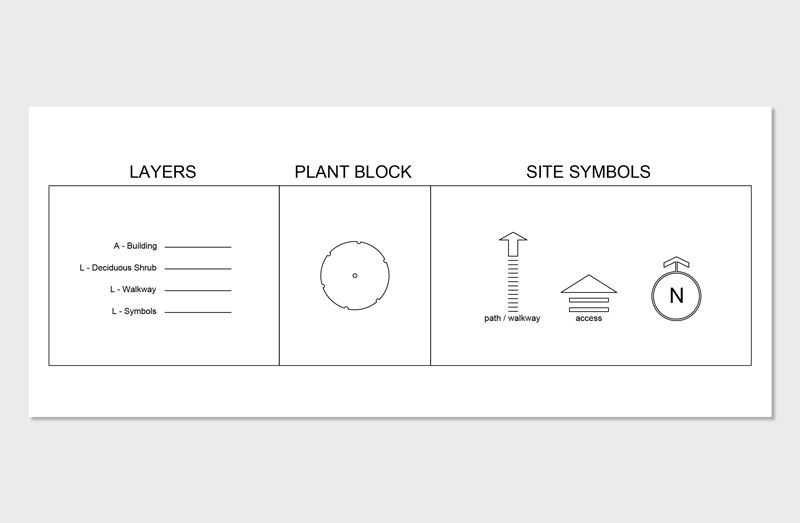
Yes. Rhino is commonly used in tandem with AutoCAD, with AutoCAD handling 2D drafting and documentation while Rhino supports 3D modeling and visualization. This combined workflow is standard in many professional practices.
The Landscape Library Academy is an online platform teaching landscape professionals, students, homeowners and enthusiasts how to design landscapes and master software for the field.
The Landscape Library Academy is the education division of The Landscape Library.
Click here to visit TheLandscapeLibrary.com for media including education articles, projects features and more.
The Landscape Library Academy is the education division of The Landscape Library.
Click here to visit TheLandscapeLibrary.com for media including education articles, projects features and more.
Copyright © 2025