Online Landscape Design Course

Design Complete Landscape Projects from Start to Finish

Learn step-by-step how to create landscape plans, 3D models, and client-ready presentations using AutoCAD, Rhino, and InDesign.
No prior experience required. Learn at your own pace.
Write your awesome label here.

The Complete Landscape Design Workflow
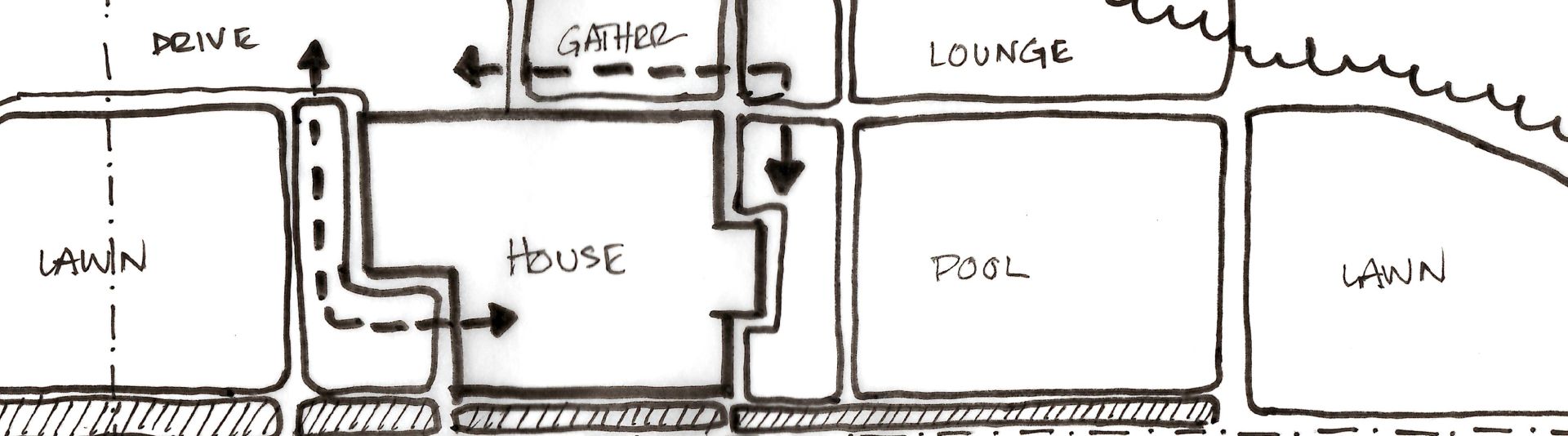
This course is structured to teach you each phase of the design process step-by-step.

1. Learn Landscape Design Foundations
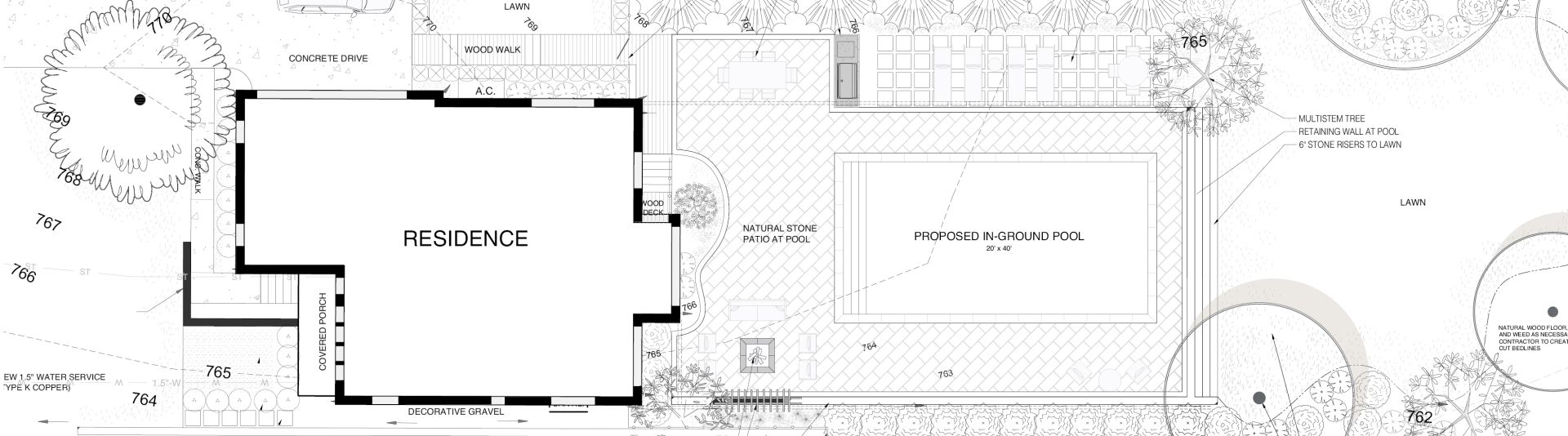
Design principles, site analysis, and spatial organization that guide every decision before drawing

2. Create 2D Landscape Plans in AutoCAD
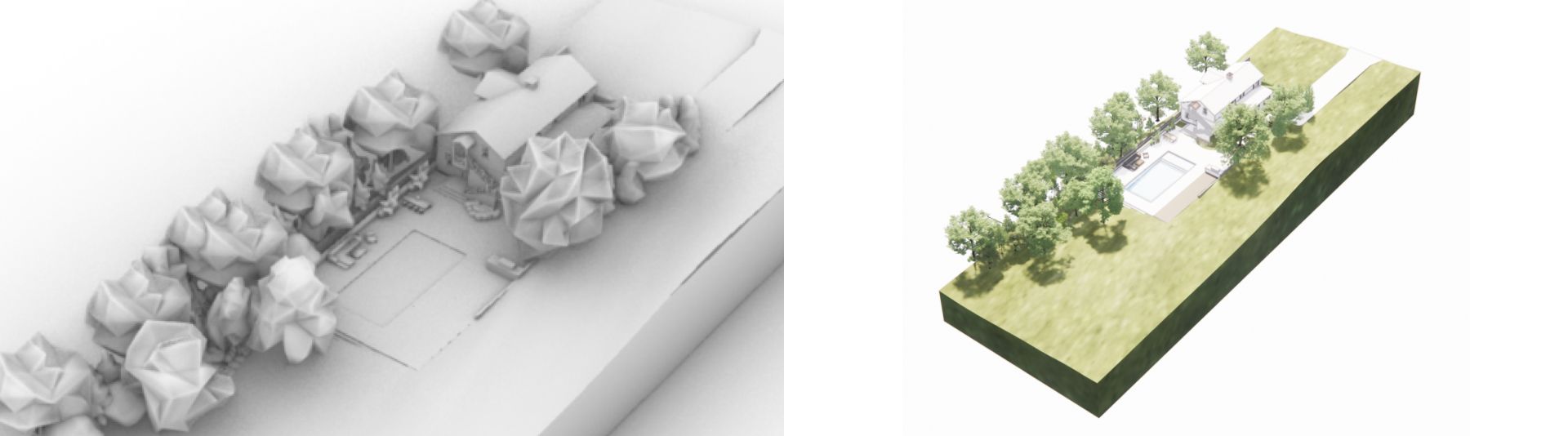
Build clear, organized 2D plans used to produce accurate, buildable drawings

3. Build 3D Models in Rhino

Develop your design in 3D to study form, scale, and relationships before construction

4. Create Client Presentations in InDesign

Present your design through structured layouts that clearly communicate intent

What You’ll Learn in This Course

You’ll learn how to move from initial design ideas to complete landscape plans, 3D models, and client-ready presentations using a clear, repeatable workflow
  Design complete landscape plans from scratch
  Build 3D models that communicate spatial intent
  Create presentation boards for clients or portfolios
  Work through a repeatable, professional workflow

Software Taught in this Course

Write your awesome label here.

This Course is Recognized by the Landscape Design Industry

Write your awesome label here.
The Association of Professional Landscape Designers (APLD) is an international organization dedicated to recognizing quality within the professions. 

Upon completing the AutoCAD for Landscape Design course, members of APLD can earn 5 CEU's toward their certification upon completing our online course.

What Students Are Saying About the Course

“I had a fantastic experience with the AutoCAD for Landscape Design course. The teaching style is exceptional, making complex concepts accessible and engaging. This course is an excellent choice for beginners who are new to landscape design—highly recommend for those looking to enhance their skills and knowledge.”

- Irshad

Empty space, drag to resize

“I’m extremely happy with the course and how in such a short time I’m able to provide quality drawings to clients!”

- Donna

Empty space, drag to resize

“This online course helped me learn a new software quickly. The 285+ CAD library saved me time in the software.”

- Jessica

How the Course is Structured

The course walks you step-by-step from concept to final presentation so you always know what to do next.


Plan

Understand the site and plan before drawing


Document

Translate ideas into clear, structured plans


Develop

Explore and refine the design in 3D


Present

Communicate your design clearly to clients

Inside the Course

Each phase is taught through focused training designed to move you forward without overwhelm

Landscape Design Foundations

2D Design (AutoCAD)

3D Modeling (Rhino)

Presentation (InDesign)

CAD Library

Landscape Design Foundations

Learn how to approach landscape design before opening software. Covers site analysis, spatial planning, and design principles that guide every decision.

What's Included:

  • Lessons: 28 Trainings
  • Video Time: 2 Hours
  • Type: Online at Your Own Pace
  • Certificate: Yes

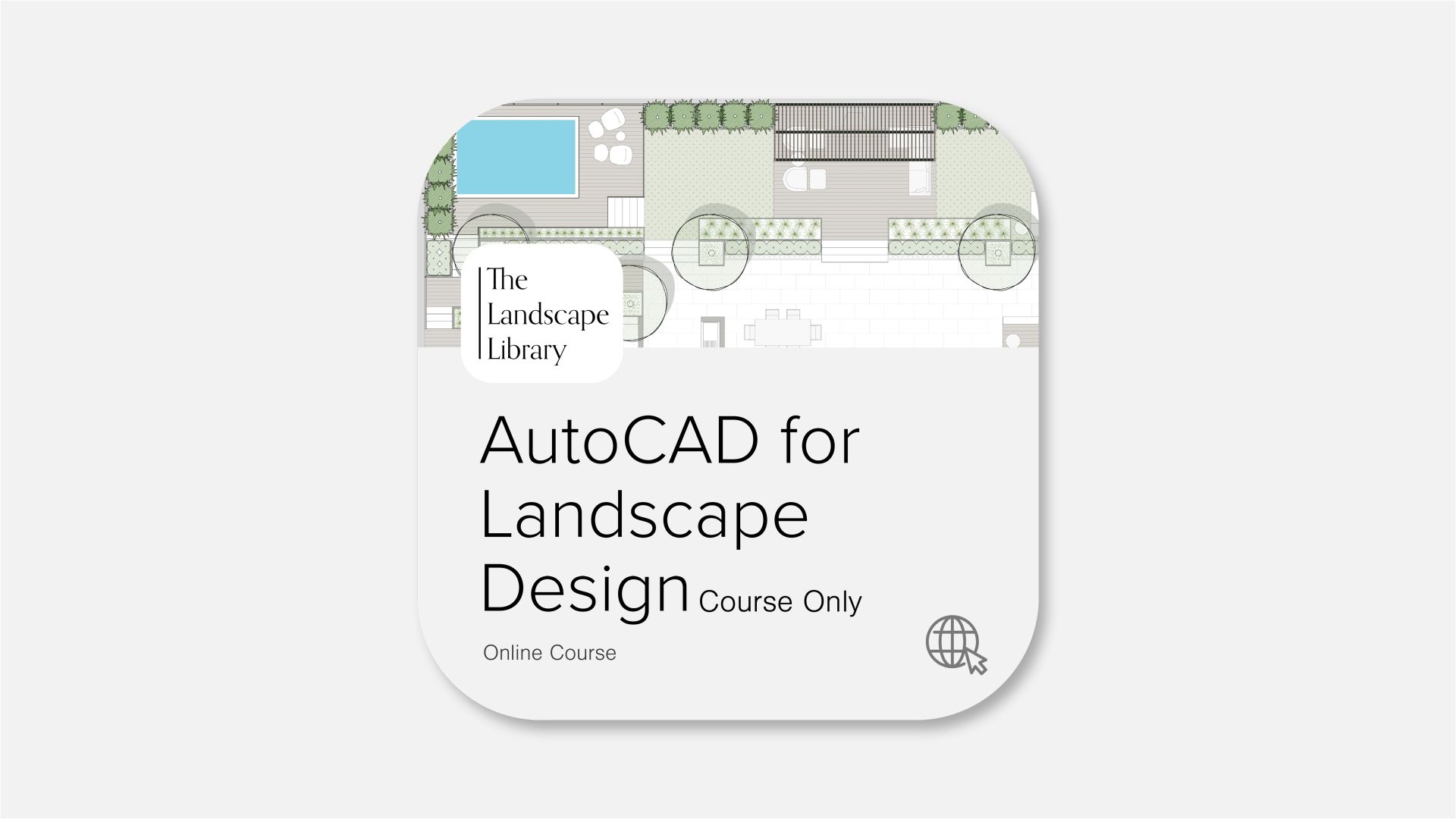
AutoCAD for Landscape Design

Learn how to approach landscape design before opening software. Covers site analysis, spatial planning, and design principles that guide every decision.

What's Included:

  • Lessons: 80 Trainings
  • Downloads: 4 Pre-Built Templates
  • Video Time: 6 Hours
  • Type: Online at Your Own Pace
  • Certificate: Yes

Rhino 3D for Landscape Renderings

Build and refine your design in 3D to understand form, scale, and spatial relationships.

What's Included:
  • Lessons: 80 Trainings
  • Video Time: 6 Hours
  • Type: Online at Your Own Pace
  • Certificate: Yes

Adobe InDesign for Client Presentations

Assemble your work into clean, structured layouts that communicate your design clearly to clients.

What's Included:
  • Lessons: 14 Trainings
  • Video Time: 2 Hours
  • Type: Online at Your Own Pace
  • Certificate: Yes

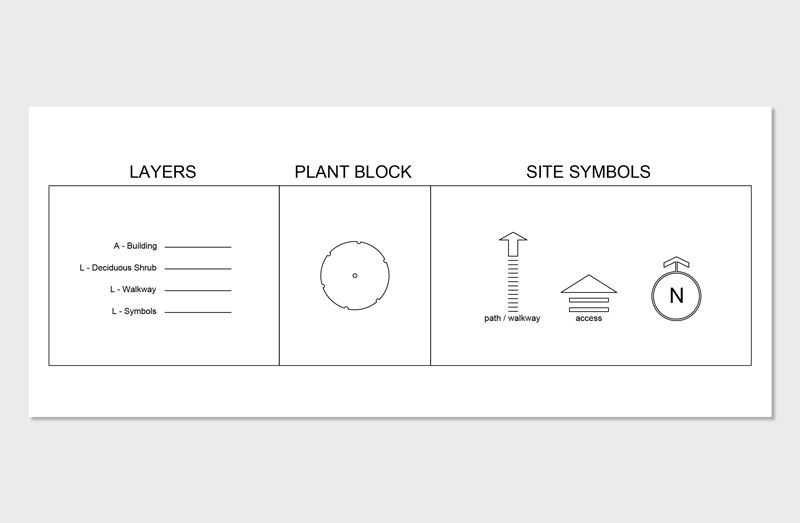
285+ Pre-Built CAD Landscape Library

Access a complete set of pre-built assets designed to accelerate your workflow and reduce repetitive work.

What's Included:
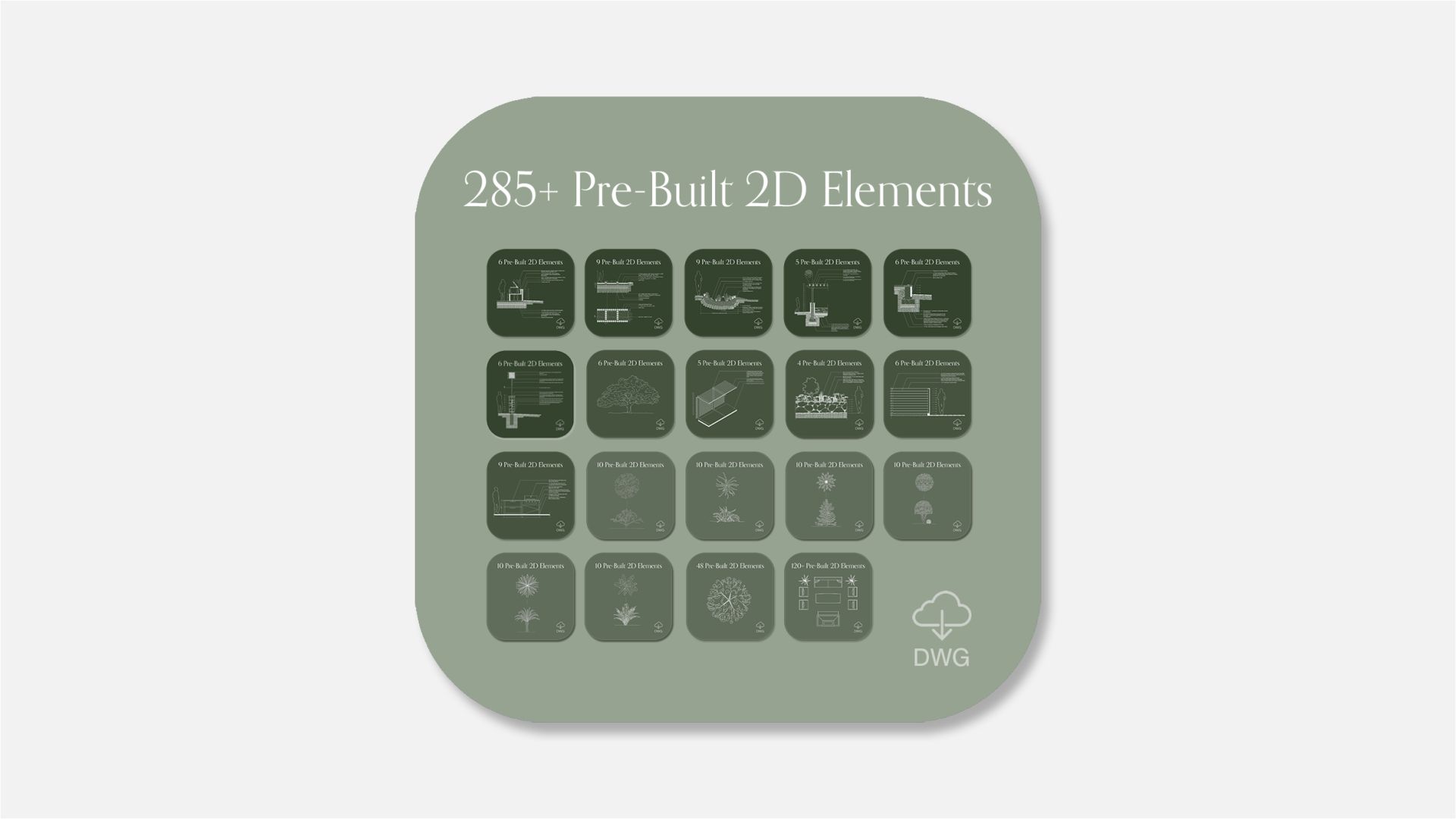
  • File Type: .DWG
  • Software: AutoCAD + Others
  • Color: B/W + Color
  • Use: Landscape Plans / Sections
  • Graphic: 2D CAD Block / Vector

Included Pre-Built Library to Speed Up Your Work

Access 300+ pre-built blocks and models you can use directly in your drawings and 3D designs.

25+ Outdoor 3D Models

50+ Hardscape Symbols

60+ Colored Plant Symbols

60+ Design Style Plants

70+ Construction Details & Elevations

3D Modeled Outdoor Elements

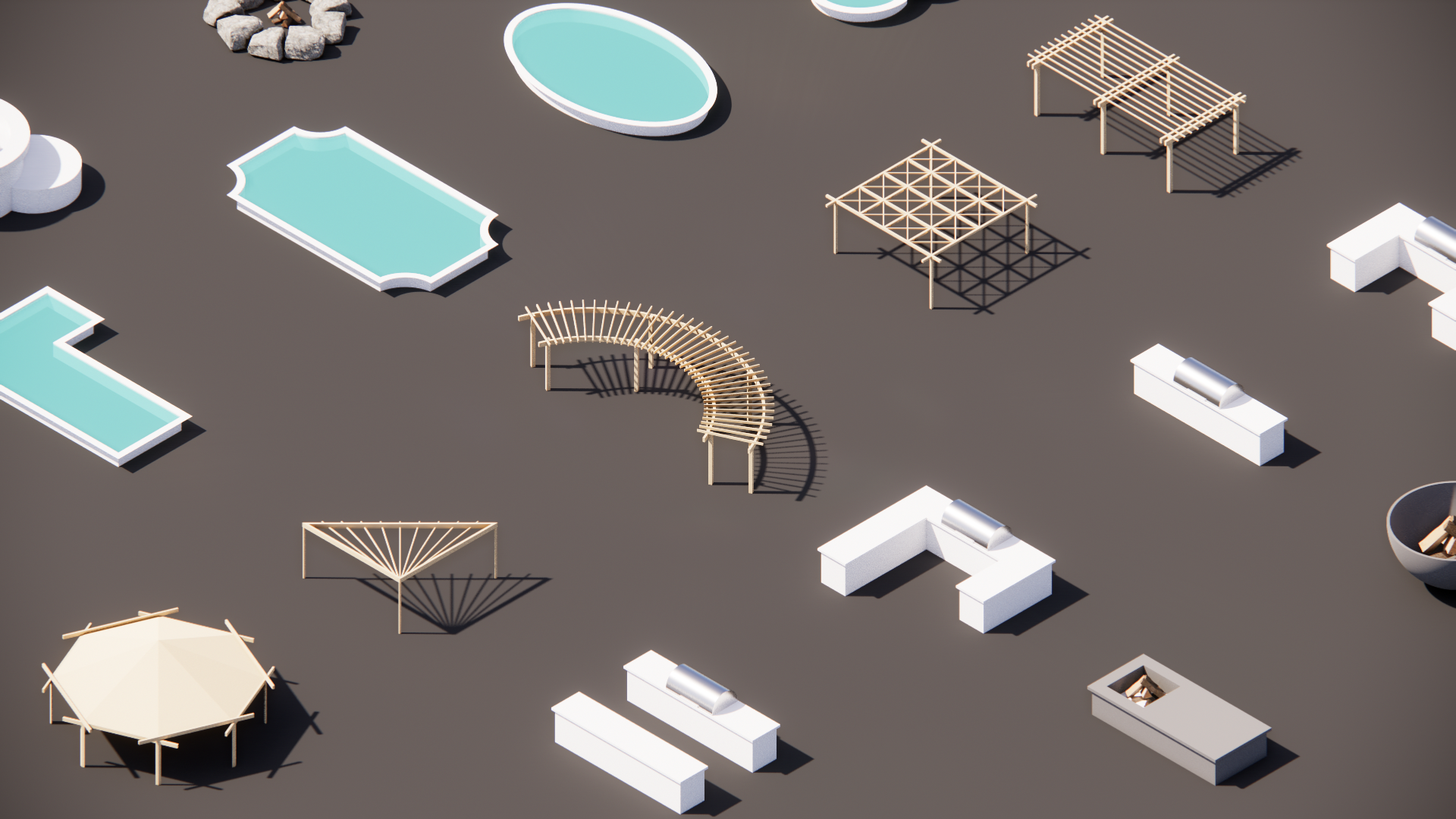
This pre-made 3D library contains outdoor elements to begin modeling in Rhino.

What's Included:

  • Swimming Pools
  • Pergolas
  • Kitchens
  • Firepits

50+ Hardscape Symbols

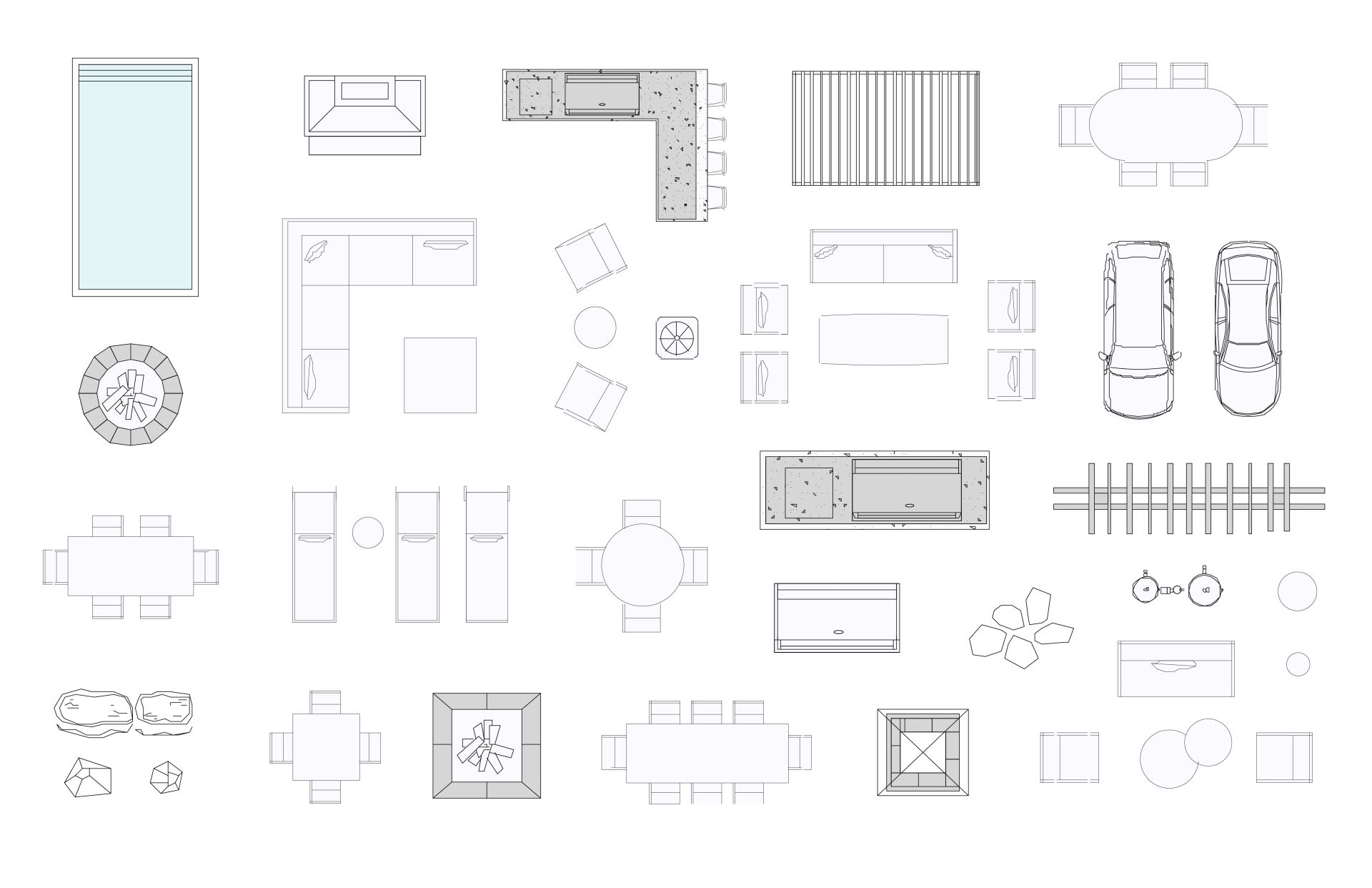
This pre-built CAD Library contains hardscape elements to furnish outdoor living environments. 

What's Included:

  • Furniture Layouts
  • Outdoor Kitchens
  • Pergolas
  • Firepits
  • Decorative Boulders and more

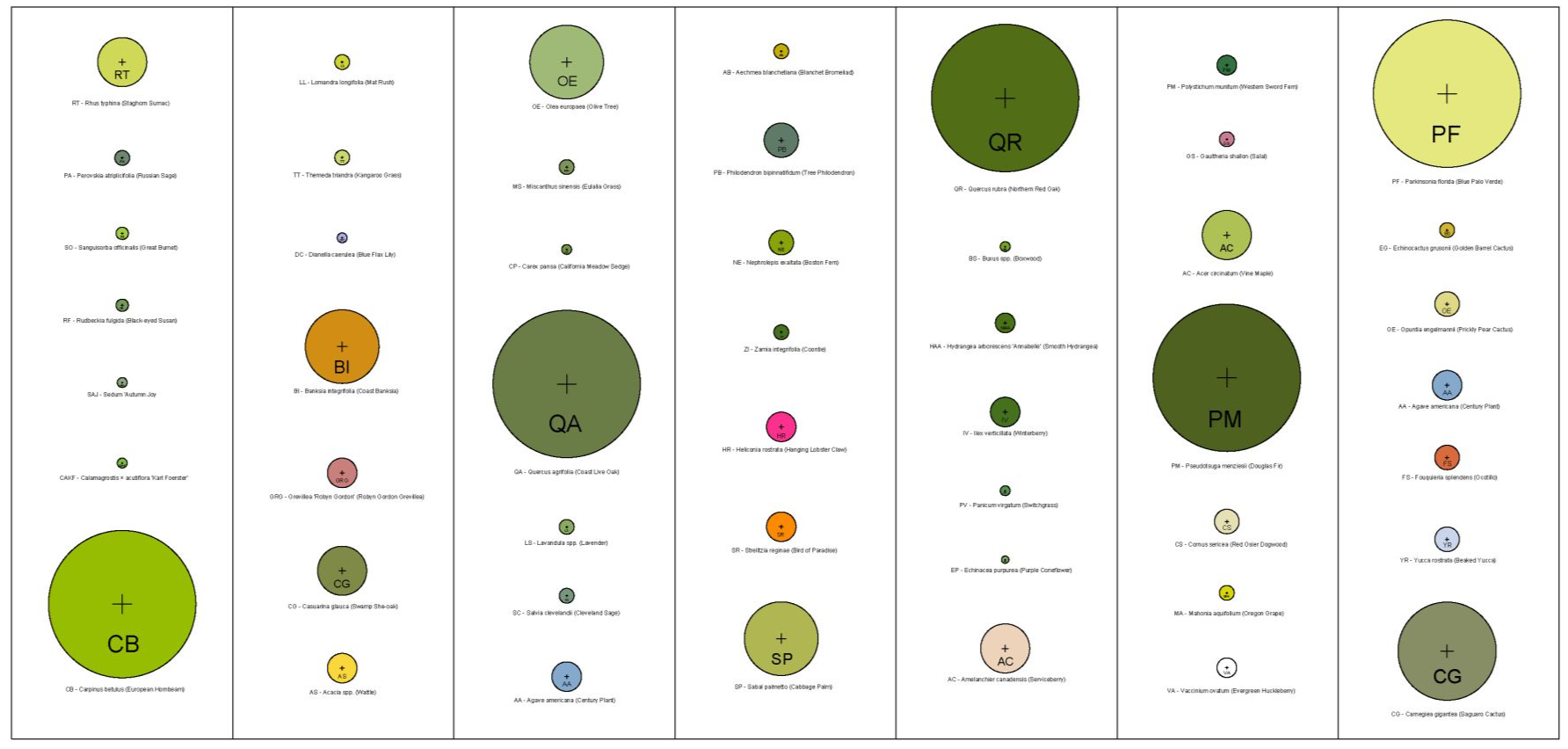
60+ Colored Plant Symbols

This pre-built CAD Library contains plants in all Hardiness Zones with layers to turn on/off color for presentation drawings.

What's Included:
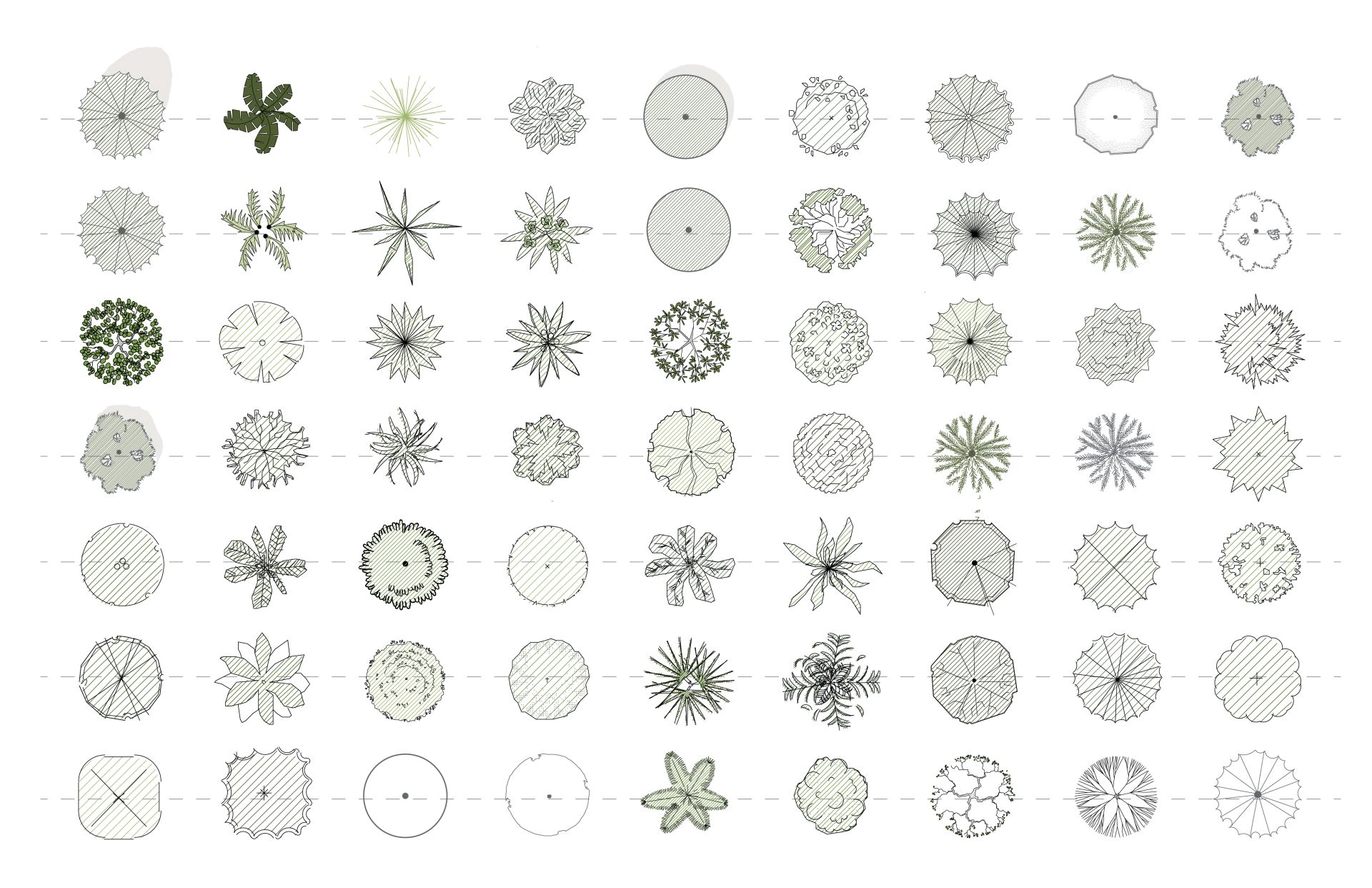
  • Deciduous & Evergreens Trees
  • Deciduous & Evergreen Shrubs
  • Palms & Broadleafs
  • Ornamental Grasses
  • Perennials & Annuals

60+ Design Style Plants

This pre-built CAD Library contains design-style plants in both elevation and plan view.

What's Included:
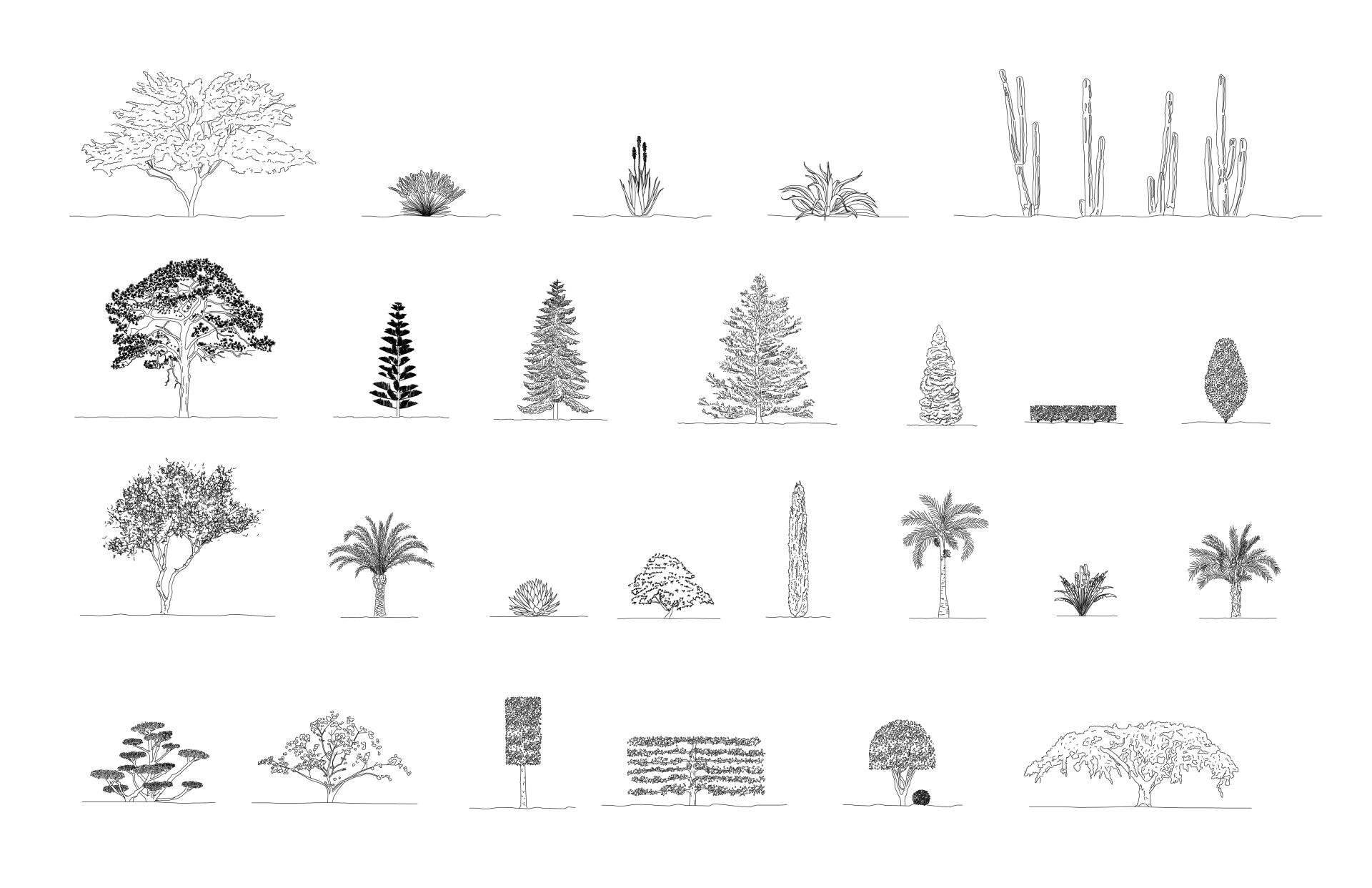
  • Desert Gardens
  • Evergreen Gardens
  • Formal Gardens
  • Japanese Gardens
  • Mediterranean Gardens
  • Tropical Gardens

70+ Construction Details & Elevations

This pre-built CAD Library contains high-detailed construction details and elevations to effectively communicate building systems.

What's Included:
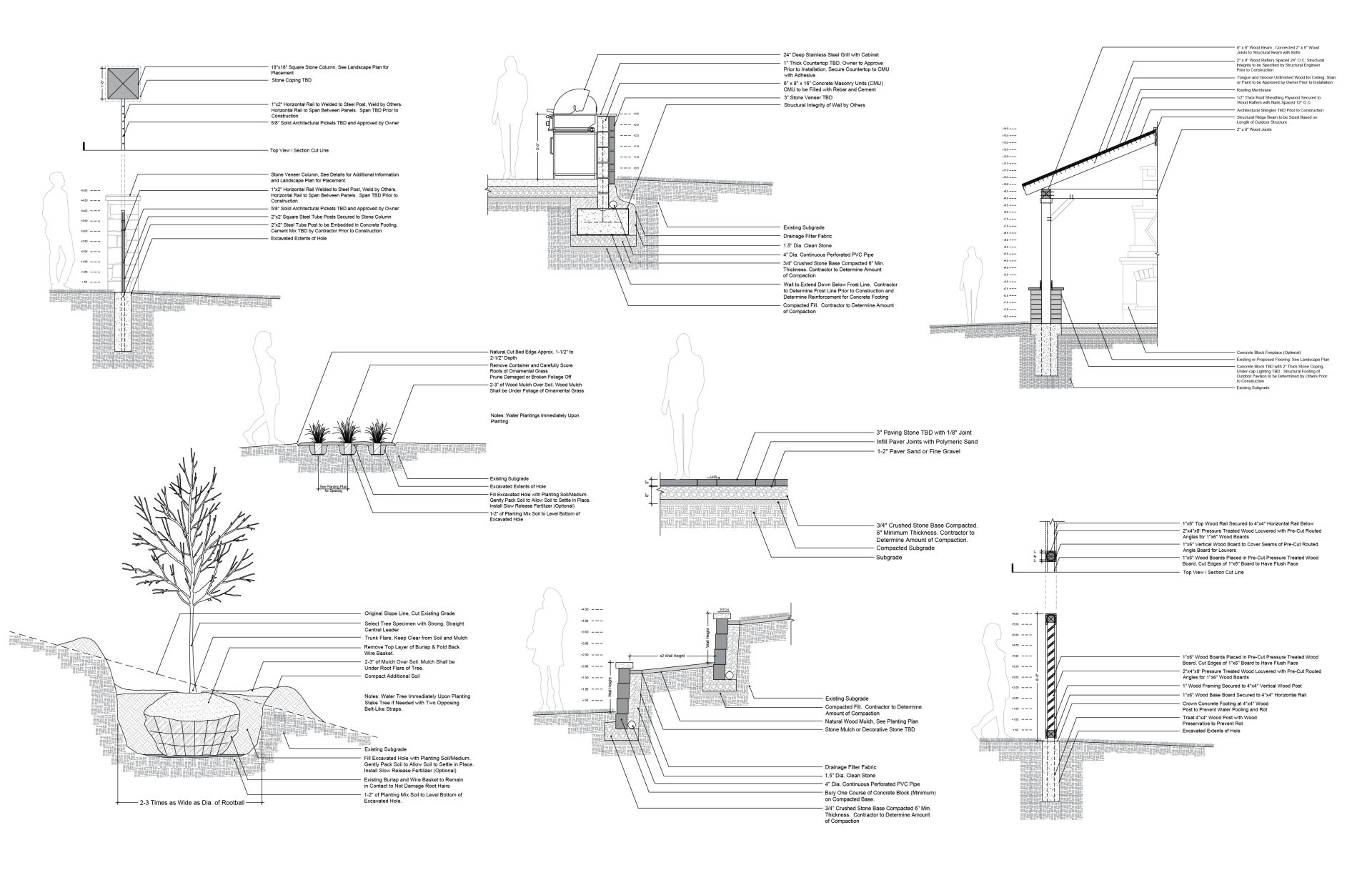
  • Paving Details
  • Fencing Details and Elevations
  • Outdoor Shade Structure Details and Elevations
  • Outdoor Kitchen Details and Elevations
  • Stone Wall Details and Elevations
  • Planting Details and Elevations

What Students Are Saying

Designers using this system have gone from learning software to producing complete landscape plans with confidence

“AutoCAD for Landscape Design was a really good course. I learned all the skills I need to be an effective entry level designer and I am confident in my ability to design real life landscape construction drawings. In conjunction with another college course, I found this course was amazingly simple to follow. I understand AutoCAD so much better now!”

- Julianna

"As somebody who has never opened AutoCAD prior to starting this course, I am now drawing entire properties to scale. The focus on core commands has helped simplify AutoCAD, which is otherwise a somewhat imposing piece of software. And using these commands, I've found it possible to do just about anything I need when drawing properties.  "

- Chris

Learn the Workflow and Design Complete Projects from Start to Finish

Learn step-by-step how to create landscape plans, 3D models, and client-ready presentations using AutoCAD, Rhino, and InDesign.
Lifetime access. Learn at your own pace.

Frequently asked questions

What if I have no experience?

This bundle of online courses is designed to take an individual (beginner to intermediate) through the entire design process, from the very beginning of a project to the final steps of creating 2D plans, 3D renderings, and creating client presentations. 

This course is perfect for freelancers, small businesses owners, and landscape enthusiasts.

Is software included in the purchase?

Software is not included. Users must purchase software separately.

Below are links to required software websites.

Does this course teach Apple and PC?

All trainings were recorded on Windows PC, however, throughout the trainings, shortcuts for Mac are announced and an additional eBook outlining the minor differences between systems is supplied in PDF format.

Regardless of PC or Mac, the (24) AutoCAD commands taught in this course do not change, only shortcuts are different (ie: Command + C vs. CNTRL + C for Copy).

Do you offer refunds?

We do not offer refunds. 

Upon purchase, you have immediate access to digital content and files that cannot be returned. Due to the nature of this product, all purchases are final. If you have questions prior to purchase, please email contact@thelandscapelibrary.com

What is all included in "The Ultimate Bundle"?

- Landscape Design Foundations (Online Course)
- AutoCAD for Landscape Design (Online Course)
- 285+ CAD Landscape Library (Digital File)
- Rhino 3D for Landscape Design (Online Course)
- Create Presentations with Adobe InDesign (Online Course)

Checkout:

All prices are in USD. 
By purchasing with The Landscape Library, you agree to the Terms & Conditions.
If you have questions prior to purchase, please email contact@thelandscapelibrary.com

Guaranteed Security using one of the most advanced encrypted systems on the market.
The information in this page is being processed and encrypted securely using industry-leading encryption and fraud prevention tools.