See Exactly How Our Courses Work — Before You Enroll

Get an inside look at our AutoCAD, Rhino, or complete landscape design workflow. See how each course is structured, what you'll learn, and the resources included.

Takes about 30 seconds. Get instant access to your demo.

CHOOSE YOUR DEMO

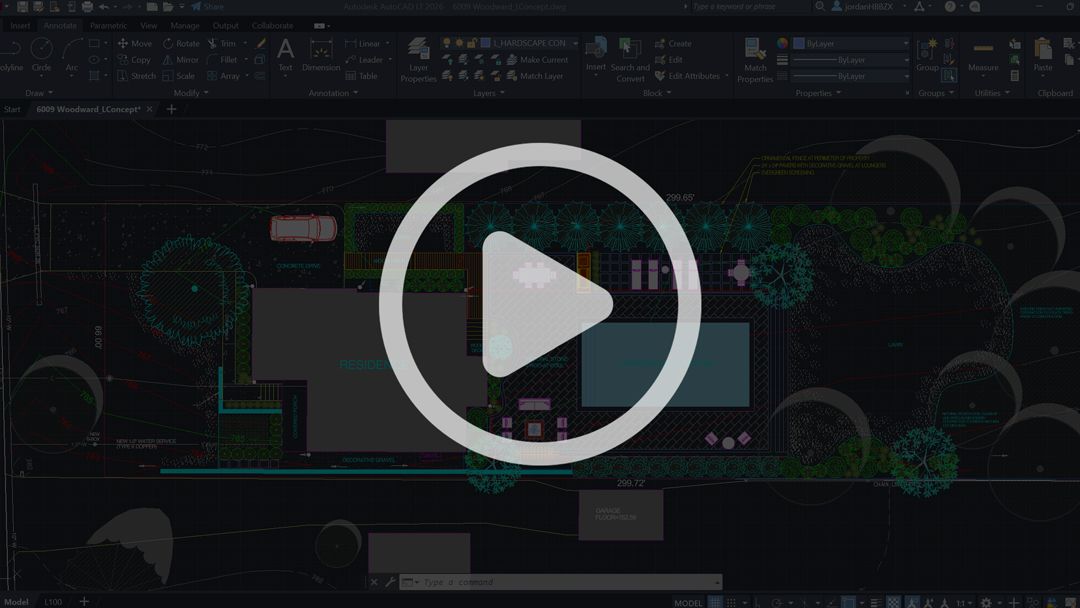
AutoCAD for Landscape Design
Learn the complete workflow for creating professional, scaled 2D landscape plans in AutoCAD.

Rhino 3D for Landscape Design

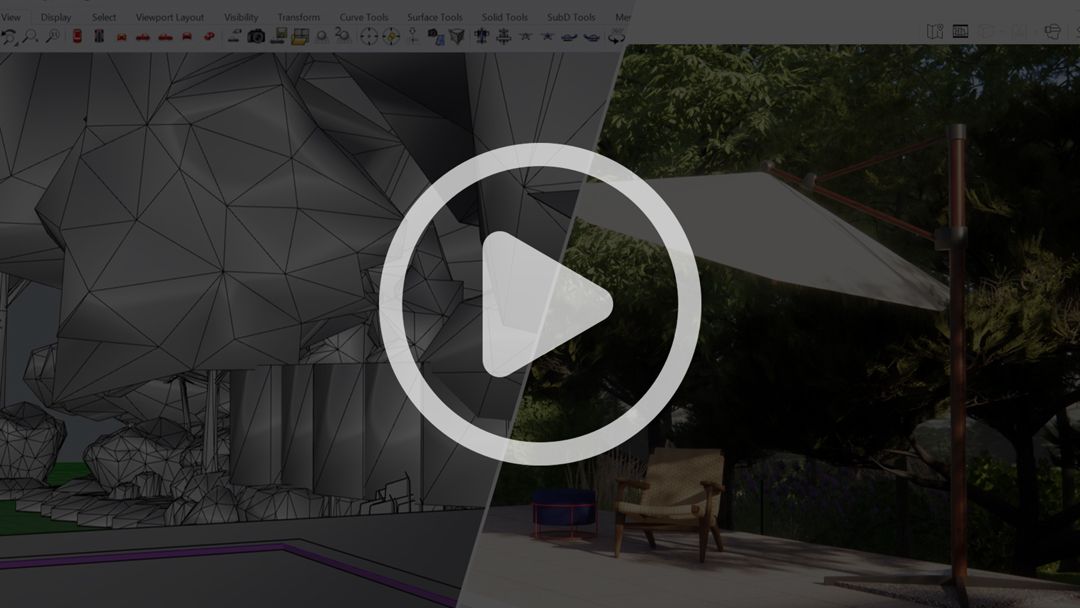
Learn how to turn your landscape designs into organized, accurate 3D models in Rhino.

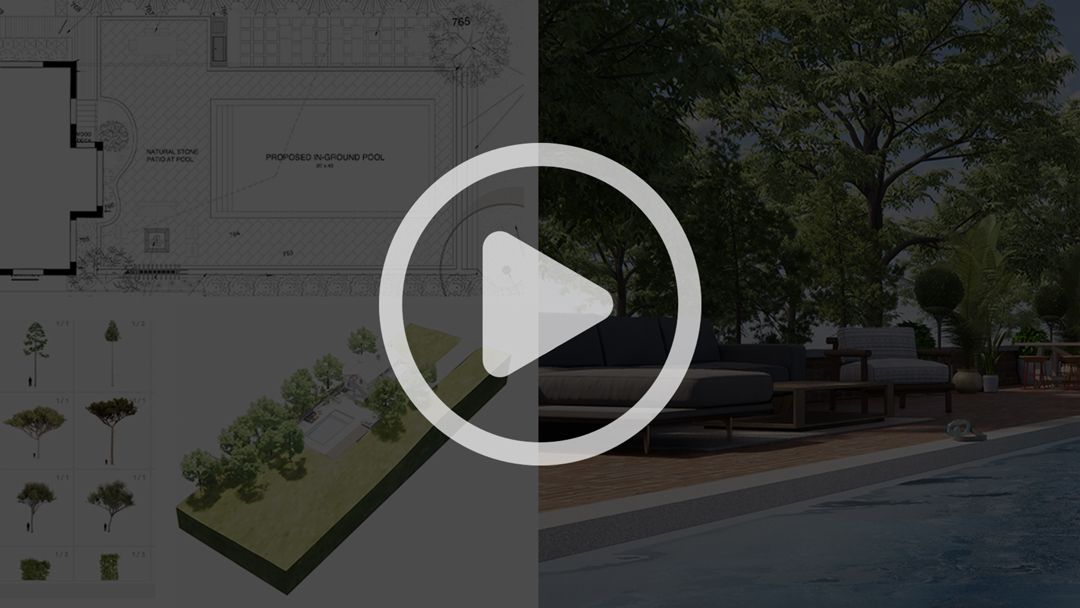
Ultimate Bundle (Complete Workflow)

Learn the complete workflow—from 2D plans and 3D modeling to visualization and final presentation.

WHAT YOU'LL SEE IN THE DEMO

Each course demo gives you an inside look at:

  How the course is structured
  Real lessons and the teaching style
  The project files, libraries, and resources included
  The workflow you'll learn from start to finish
  What you'll be able to create by the end

SOFTWARE TRAINING BUILT SPECIFICALLY FOR LANDSCAPE DESIGN

You don't need to learn everything AutoCAD or Rhino can do. You need to know how to use the right tools to create professional landscape-design work.

Every course is built around real landscape-design workflows—not generic software exercises.

  Beginners building their first professional digital workflow

  Landscape designers improving their technical skills

  Professionals moving from 2D plans into 3D modeling and visualization

  Contractors and designers producing client-ready plans and presentations

“I had zero experience and was able to produce a full landscape plan within weeks. The workflow finally made sense, from concept to presentation.”
Christopher — Landscape Designer

NOT SURE WHICH COURSE IS RIGHT FOR YOU?

Not sure where to start or which course best fits your experience?

Schedule a quick call with me. We can talk through what you're trying to learn, where you're currently at, and which course makes the most sense for your goals.

SCHEDULE A CALL WITH JORDAN →