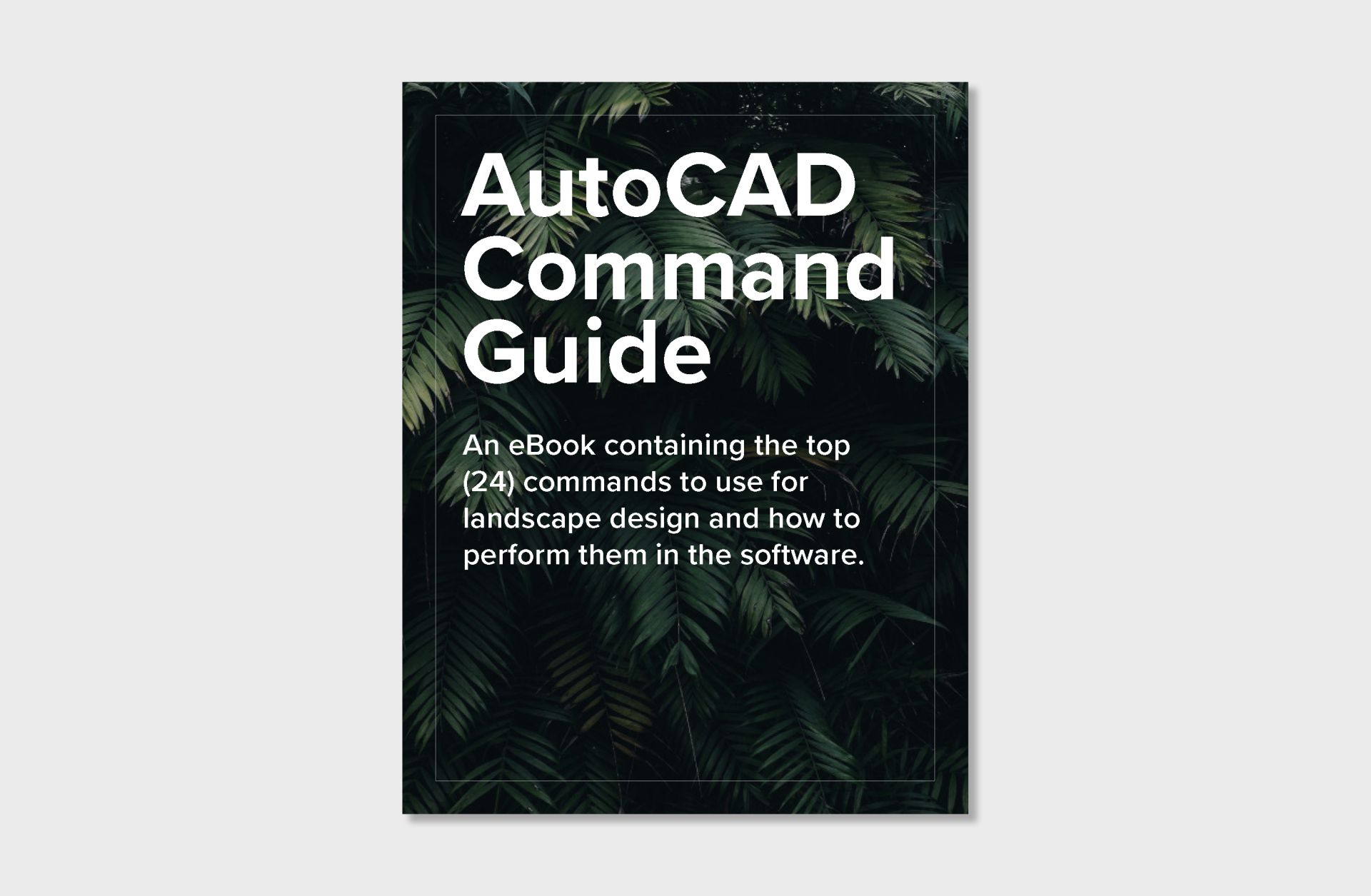
Learn the 5-Step Workflow for Designing Landscapes in AutoCAD
Who This Course Is For
Why Learning AutoCAD Feels So Difficult
What You’ll Learn Inside the Free Course
How the Course Works
By the end of this course you'll understand:
Inside the AutoCAD Foundations Course
Built Specifically for Landscape Design
Most AutoCAD Training
AutoCAD Foundations
Meet Your Instructor
Frequently asked questions
Do I need prior AutoCAD experience?
No.
This course was designed for complete beginners and assumes no previous AutoCAD knowledge.
Is this course for landscape designers only?
No.
It's helpful for landscape designers, design-build contractors, students, architects, and anyone interested in learning professional landscape drafting workflows.
Will this teach me everything about AutoCAD?
No.
Foundations focuses on the workflow behind landscape plans and the core commands used most often.
The goal is understanding the process before diving deeper into professional documentation.
What's the difference between AutoCAD Foundations and AutoCAD for Landscape Design?
AutoCAD Foundations teaches the what.
AutoCAD for Landscape Design teaches the how. Click here to learn more.
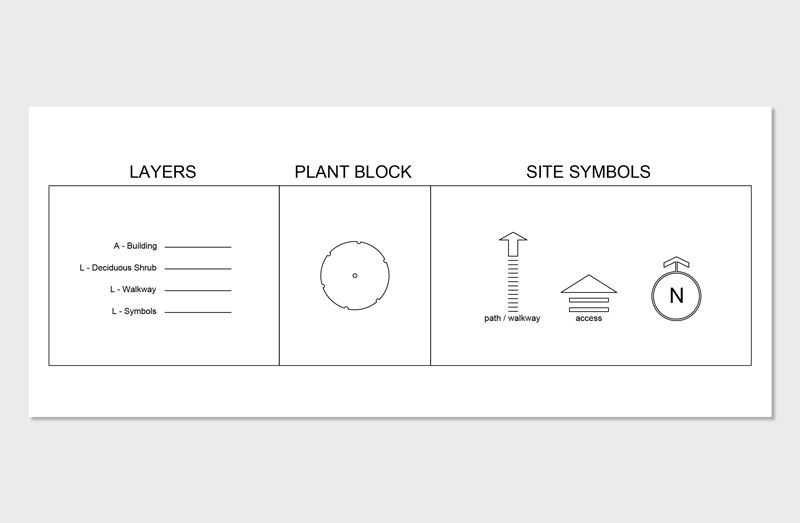
The full course expands on the workflow shown in Foundations and covers professional plan production, templates, layer systems, CAD libraries, sheet layouts, and construction documentation.
AutoCAD for Landscape Design teaches the how. Click here to learn more.
The full course expands on the workflow shown in Foundations and covers professional plan production, templates, layer systems, CAD libraries, sheet layouts, and construction documentation.
Start Building Professional Landscape Plans
Write your awesome label here.
Inside the Course
Guaranteed Security using one of the most advanced encrypted systems on the market.
The information in this page is being processed and encrypted securely using industry-leading encryption and fraud prevention tools.

Copyright © 2025