What Are Plant Symbols for Landscape Design?
Graphic Abstraction of Living Material
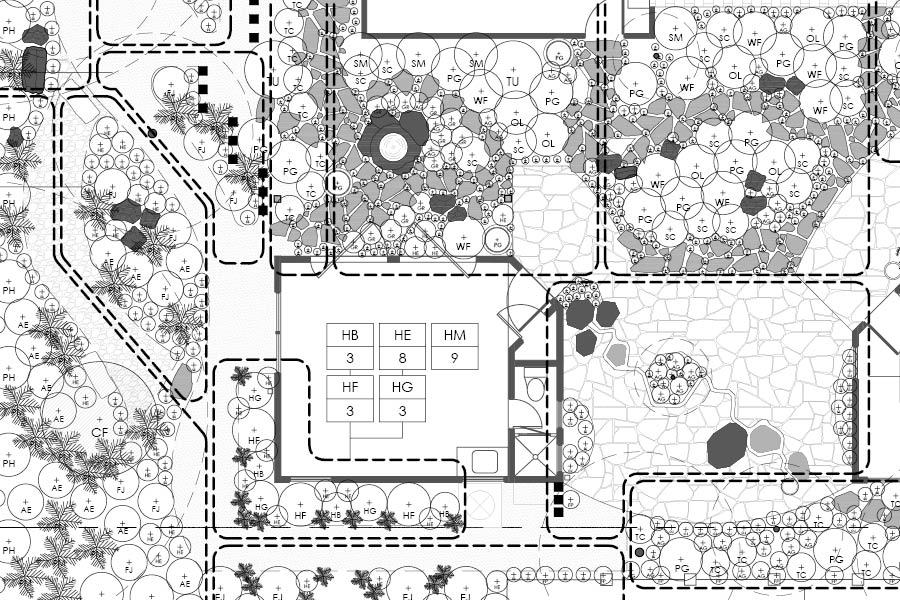
Scale and Canopy Representation
Relationship to the Plant Schedule
Documentation vs Conceptual Graphics
Integration with CAD Workflows
How Professionals Organize Plant Symbols in a CAD Library
Standardized Naming Conventions
Layer Hierarchy and Discipline
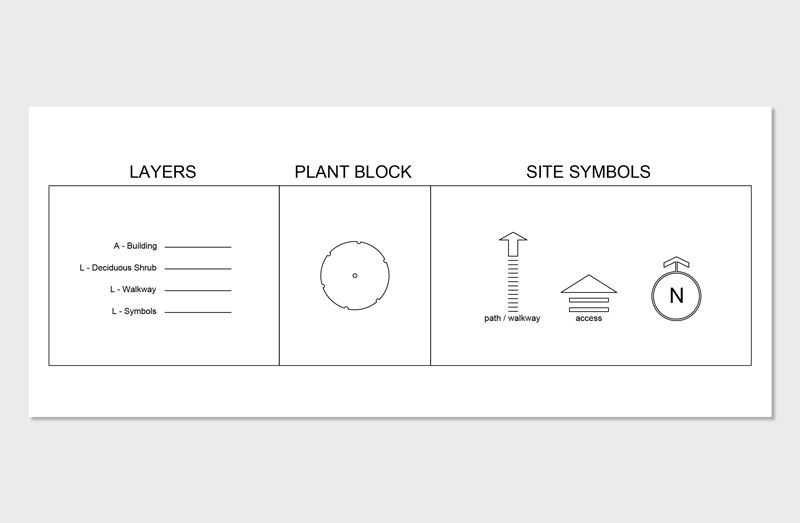
Correct Block Origin and Insertion Points
Scaling Integrity
Attribute Integration for Scheduling
How to Create a Plant Symbol for Landscape Design in AutoCAD
Step 1: Draw the Canopy at True Scale
Step 2: Add a Trunk Marker or Center Reference
Step 3: Clean Lineweights and Layer Assignment
Step 4: Convert to Block with Defined Insertion Point
Step 5: Save to a Centralized Library File
Where to Find High Quality Plant Symbols
In-House Developed Libraries
Structured Professional CAD Libraries
Reputable CAD Resource Platforms
Academic and Training Resources
Customizing Downloaded Symbols
Why Symbol Standards Matter in Professional Practice

Copyright © 2025