May 8 • Jordan Felber
What Computer Do Landscape Designers Actually Need?
Related — The Ultimate Bundle

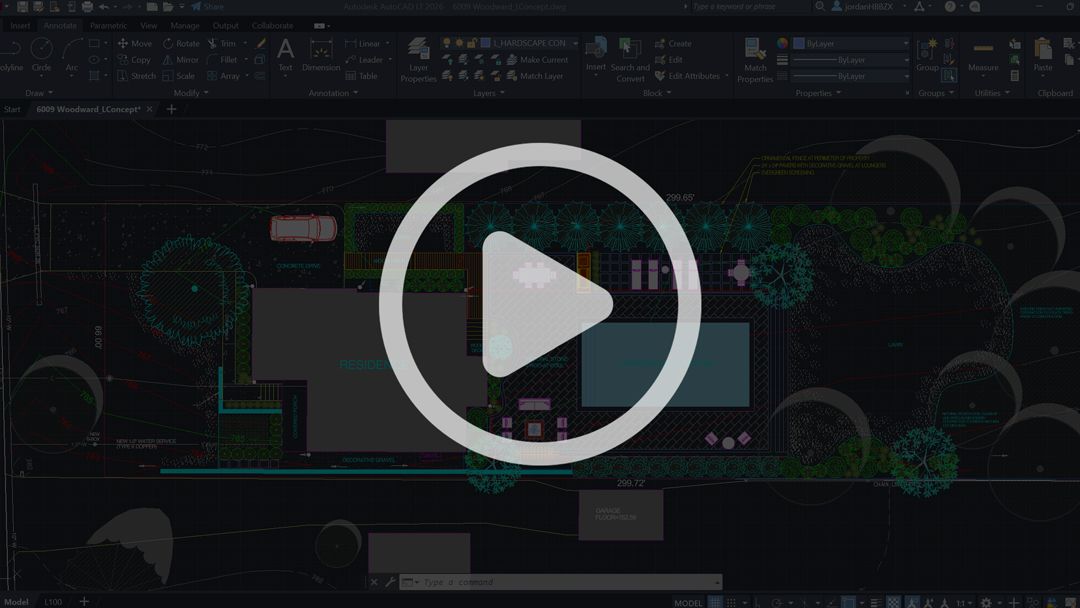
Landscape design workflows have evolved far beyond isolated drafting environments.
A single project today may involve AutoCAD drafting, Rhino modeling, Enscape rendering, Photoshop editing, and Adobe InDesign presentation layout all operating simultaneously within the same workflow.
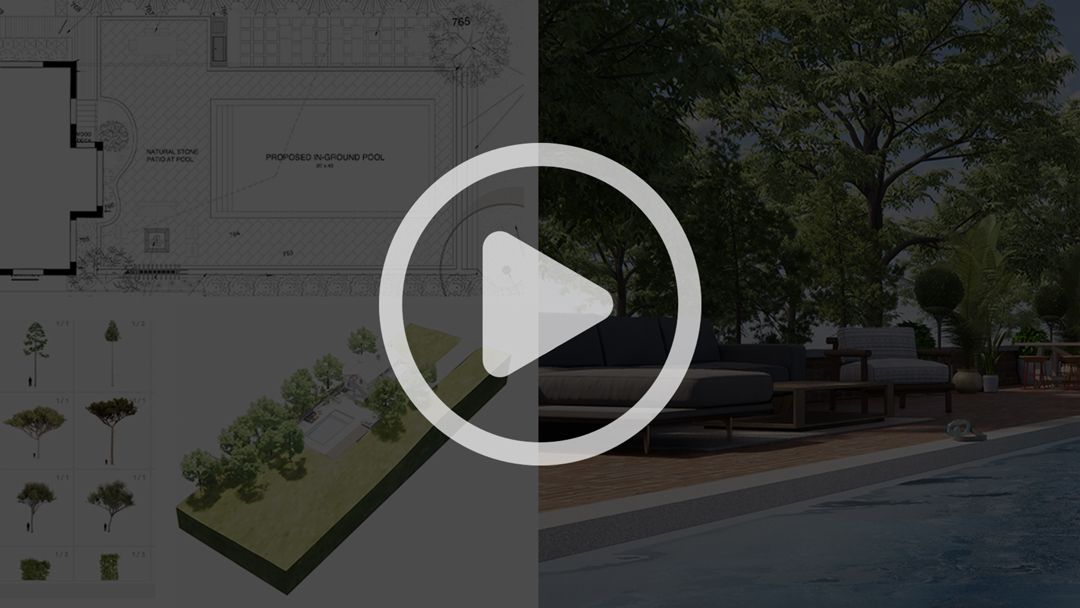
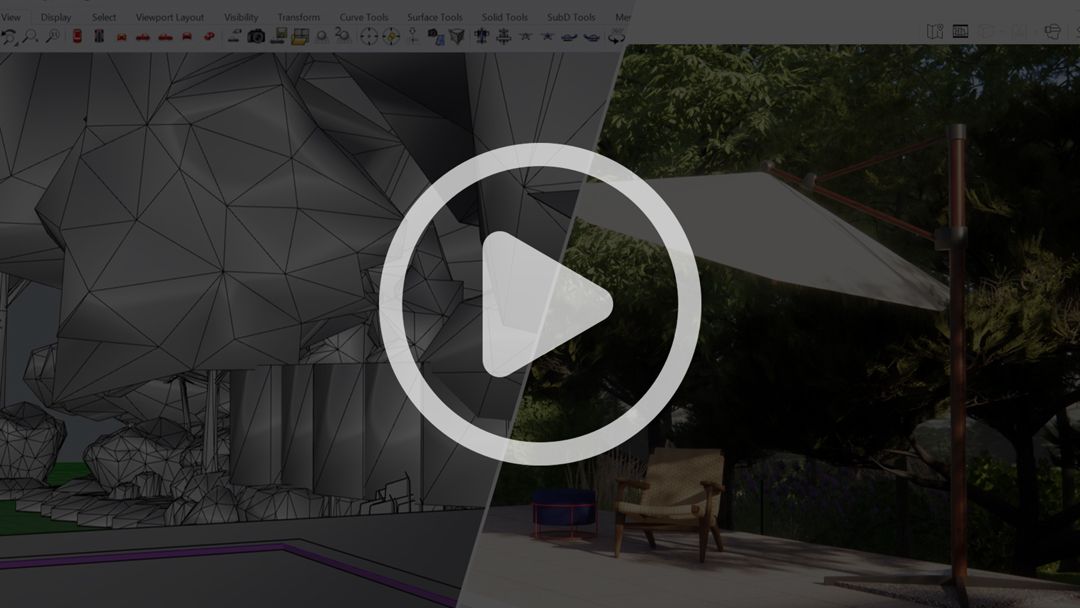
Unlike many object-based or interior visualization environments, landscape rendering requires computers to process expansive outdoor scenes composed of topography, vegetation, paving systems, water features, lighting studies, shadows, transparency, and large material libraries within the same model environment.
As projects become more visually complex, the demands placed on the computer increase substantially.
This article breaks down the hardware components that matter most and how to choose a computer capable of supporting modern landscape design workflows reliably over time.
A single project today may involve AutoCAD drafting, Rhino modeling, Enscape rendering, Photoshop editing, and Adobe InDesign presentation layout all operating simultaneously within the same workflow.
Unlike many object-based or interior visualization environments, landscape rendering requires computers to process expansive outdoor scenes composed of topography, vegetation, paving systems, water features, lighting studies, shadows, transparency, and large material libraries within the same model environment.
As projects become more visually complex, the demands placed on the computer increase substantially.
This article breaks down the hardware components that matter most and how to choose a computer capable of supporting modern landscape design workflows reliably over time.
Key Indicators Your Hardware Is Failing
In most cases, performance issues develop gradually as projects become larger, rendering environments become more detailed, and multiple programs begin operating simultaneously within the same workflow.
One of the earliest signs is reduced responsiveness across the system itself. Files begin slowing down, viewports become unstable while navigating models, and rendering exports take longer to complete.
Programs may freeze or crash unexpectedly, while linework, textures, shadows, and surfaces begin displaying inconsistently throughout CAD, Rhino, or rendering environments.
These issues are often mistaken for software instability when they are more commonly symptoms of hardware struggling to sustain the cumulative demands of drafting, modeling, rendering, editing, and presentation workflows operating simultaneously.
One of the earliest signs is reduced responsiveness across the system itself. Files begin slowing down, viewports become unstable while navigating models, and rendering exports take longer to complete.
Programs may freeze or crash unexpectedly, while linework, textures, shadows, and surfaces begin displaying inconsistently throughout CAD, Rhino, or rendering environments.
These issues are often mistaken for software instability when they are more commonly symptoms of hardware struggling to sustain the cumulative demands of drafting, modeling, rendering, editing, and presentation workflows operating simultaneously.
Why Landscape Design Workflows Place Heavy Demands on Computers
Landscape rendering environments place unusually high demands on computers because they combine large-scale site geometry with highly detailed natural systems. A single model may contain thousands of planting elements, layered topography, textured paving, retaining walls, pools, furnishings, lighting studies, and extensive material libraries operating simultaneously within the same environment.
Programs such as Rhino and Enscape continuously process geometry, shadows, textures, reflections, vegetation assets, and lighting calculations in real time while the model remains active. As project complexity increases, so do the demands placed on the processor, graphics card, memory, and overall system performance.
When hardware cannot sustain these workloads properly, issues extend beyond slower performance alone. Models become unstable during navigation, rendering quality becomes inconsistent, and visual errors such as disappearing geometry, broken textures, incomplete shadows, or flickering surfaces begin appearing throughout the workflow. In many cases, these are symptoms of hardware strain rather than problems originating within the software itself.
Many mid-range or portability-focused laptops are not designed for prolonged rendering environments and often lack the graphics performance, memory capacity, and cooling systems required to maintain stable performance across modern landscape visualization workflows.
Programs such as Rhino and Enscape continuously process geometry, shadows, textures, reflections, vegetation assets, and lighting calculations in real time while the model remains active. As project complexity increases, so do the demands placed on the processor, graphics card, memory, and overall system performance.
When hardware cannot sustain these workloads properly, issues extend beyond slower performance alone. Models become unstable during navigation, rendering quality becomes inconsistent, and visual errors such as disappearing geometry, broken textures, incomplete shadows, or flickering surfaces begin appearing throughout the workflow. In many cases, these are symptoms of hardware strain rather than problems originating within the software itself.
Many mid-range or portability-focused laptops are not designed for prolonged rendering environments and often lack the graphics performance, memory capacity, and cooling systems required to maintain stable performance across modern landscape visualization workflows.
The Hardware Components That Matter Most
Graphics Card (GPU)
For landscape designers working with Enscape and large Rhino models, the graphics card becomes one of the most important components inside the computer.
While AutoCAD itself relies more heavily on processor speed, rendering software depends extensively on GPU performance to calculate lighting, reflections, vegetation rendering, shadows, and real-time scene navigation. Outdoor landscape environments place especially high pressure on graphics hardware because of the sheer quantity of visual information being processed simultaneously.
Large planting palettes, textured ground planes, transparent water surfaces, tree canopies, and long-distance site views all contribute to substantial graphics demand. Systems without dedicated graphics cards often struggle to maintain stable performance once rendering workflows become part of the process.
This is why many designers encounter problems immediately after introducing Enscape into their workflow. The software may technically launch, but rendering becomes unstable, graphics artifacts begin appearing, and viewport responsiveness deteriorates rapidly once projects increase in complexity.
For serious rendering workflows, NVIDIA RTX graphics cards remain the strongest option due to their ability to handle real-time rendering and ray tracing operations far more effectively than integrated graphics systems.
While AutoCAD itself relies more heavily on processor speed, rendering software depends extensively on GPU performance to calculate lighting, reflections, vegetation rendering, shadows, and real-time scene navigation. Outdoor landscape environments place especially high pressure on graphics hardware because of the sheer quantity of visual information being processed simultaneously.
Large planting palettes, textured ground planes, transparent water surfaces, tree canopies, and long-distance site views all contribute to substantial graphics demand. Systems without dedicated graphics cards often struggle to maintain stable performance once rendering workflows become part of the process.
This is why many designers encounter problems immediately after introducing Enscape into their workflow. The software may technically launch, but rendering becomes unstable, graphics artifacts begin appearing, and viewport responsiveness deteriorates rapidly once projects increase in complexity.
For serious rendering workflows, NVIDIA RTX graphics cards remain the strongest option due to their ability to handle real-time rendering and ray tracing operations far more effectively than integrated graphics systems.
Empty space, drag to resize
RAM
Memory capacity plays a major role in determining how smoothly multiple design applications operate simultaneously.
Landscape designers rarely work within a single isolated program. A typical workflow may involve Rhino and Enscape operating together while Photoshop edits rendering exports and InDesign assembles presentation boards in the background. Browser tabs, PDF sets, reference imagery, and CAD files often remain open simultaneously throughout the design process.
As memory becomes constrained, performance instability begins spreading across the entire workflow. Programs respond more slowly, viewports become delayed, rendering exports take longer, saving files take longer, and overall system responsiveness begins deteriorating.
For contemporary landscape design workflows, 32GB RAM has increasingly become the practical recommendation rather than an excessive upgrade. Designers focused heavily on visualization, rendering production, or large-scale site modeling may benefit substantially from 64GB configurations, particularly when working with detailed planting compositions and extensive custom rendering assets.
Landscape designers rarely work within a single isolated program. A typical workflow may involve Rhino and Enscape operating together while Photoshop edits rendering exports and InDesign assembles presentation boards in the background. Browser tabs, PDF sets, reference imagery, and CAD files often remain open simultaneously throughout the design process.
As memory becomes constrained, performance instability begins spreading across the entire workflow. Programs respond more slowly, viewports become delayed, rendering exports take longer, saving files take longer, and overall system responsiveness begins deteriorating.
For contemporary landscape design workflows, 32GB RAM has increasingly become the practical recommendation rather than an excessive upgrade. Designers focused heavily on visualization, rendering production, or large-scale site modeling may benefit substantially from 64GB configurations, particularly when working with detailed planting compositions and extensive custom rendering assets.
Empty space, drag to resize
Processor (CPU)
The processor remains essential for drafting responsiveness, geometry calculations, and overall workflow fluidity.
AutoCAD relies heavily on processor speed for command execution, line regeneration, snapping operations, and drawing responsiveness. Rhino also benefits significantly from strong CPU performance when processing complex geometry and recalculating surfaces.
A faster processor contributes to a noticeably smoother workflow across drafting and modeling environments. Commands execute more quickly, large files regenerate more efficiently, and exporting operations complete with less delay.
Processors such as Intel i7, Intel i9, AMD Ryzen 7, and Ryzen 9 systems continue to provide strong performance for landscape designers working professionally across CAD, modeling, and rendering software.
AutoCAD relies heavily on processor speed for command execution, line regeneration, snapping operations, and drawing responsiveness. Rhino also benefits significantly from strong CPU performance when processing complex geometry and recalculating surfaces.
A faster processor contributes to a noticeably smoother workflow across drafting and modeling environments. Commands execute more quickly, large files regenerate more efficiently, and exporting operations complete with less delay.
Processors such as Intel i7, Intel i9, AMD Ryzen 7, and Ryzen 9 systems continue to provide strong performance for landscape designers working professionally across CAD, modeling, and rendering software.
Recommended Computer Setups for Landscape Designers
Entry-Level Landscape Design Workflow
For standard AutoCAD drafting, residential landscape design, introductory Rhino modeling, Enscape rendering with ray-traced shadows and depth, along with moderate Photoshop processing and Adobe InDesign layout work, a system with:
- Graphics Card: NVIDIA GeForce RTX 3070 Ti or AMD RX 6800
- RAM: 16GB
Empty space, drag to resize
Mid-Level Landscape Design Workflow
As workflows become more demanding with multiple programs operating simultaneously, larger rendering exports, smoother real-time model orbiting, and higher-quality HD visualization outputs, upgrading:
- Graphics Card: NVIDIA GeForce RTX 4070 Ti or AMD RX7900 XT
- RAM: 32GB
Empty space, drag to resize
Advanced Visualization and Rendering Workflow
For high-end landscape visualization involving custom texture libraries, large-scale real-time rendering environments, advanced lighting studies, high refresh-rate displays, and AR or VR rendering capabilities, systems with:
- Graphics Card: NVIDIA GeForce RTX 5070 Ti
- RAM: 64GB
Mac vs Windows for Landscape Design
Modern Mac systems perform very well for AutoCAD drafting, Adobe workflows, moderate Rhino modeling, and general design work, particularly with Apple Silicon processors offering strong battery life, display quality, and efficiency.
However, professional landscape visualization workflows remain heavily aligned with Windows-based systems. Most landscape architecture and visualization studios operate within Windows environments because of software compatibility, NVIDIA RTX graphics support, and greater flexibility for sustained rendering workloads. Programs such as Enscape rely heavily on RTX graphics hardware for real-time rendering, ray tracing, and large-scale outdoor visualization environments involving vegetation, topography, shadows, textures, and lighting calculations.
For rendering-intensive workflows, real-time visualization, and long-duration production environments, Windows systems continue to provide the strongest overall performance and hardware flexibility.
However, professional landscape visualization workflows remain heavily aligned with Windows-based systems. Most landscape architecture and visualization studios operate within Windows environments because of software compatibility, NVIDIA RTX graphics support, and greater flexibility for sustained rendering workloads. Programs such as Enscape rely heavily on RTX graphics hardware for real-time rendering, ray tracing, and large-scale outdoor visualization environments involving vegetation, topography, shadows, textures, and lighting calculations.
For rendering-intensive workflows, real-time visualization, and long-duration production environments, Windows systems continue to provide the strongest overall performance and hardware flexibility.
Laptops vs. Workstations for Landscape Design
Modern laptops have become significantly more capable in recent years, particularly gaming and workstation-oriented systems equipped with dedicated NVIDIA RTX graphics cards, stronger cooling systems, and higher memory configurations. Many are now fully capable of supporting professional workflows across AutoCAD, Rhino, Enscape, Photoshop, and Adobe InDesign simultaneously.
This evolution has been especially important for landscape designers, where portability often matters throughout the workflow itself. Designers frequently move between studios, job sites, client meetings, and travel environments while still needing access to rendering, drafting, and presentation software.
Gaming laptops have become increasingly common within design industries because they are typically engineered around sustained graphics performance rather than lightweight portability alone. Larger cooling systems and dedicated GPUs allow them to handle rendering environments far more reliably than thinner consumer-oriented laptops.
Desktop workstations, however, still provide the highest level of long-term performance for advanced rendering and visualization workflows. Larger cooling capacity, expanded GPU configurations, and easier hardware upgrades make them especially valuable for large-scale rendering environments and demanding real-time visualization work.
This evolution has been especially important for landscape designers, where portability often matters throughout the workflow itself. Designers frequently move between studios, job sites, client meetings, and travel environments while still needing access to rendering, drafting, and presentation software.
Gaming laptops have become increasingly common within design industries because they are typically engineered around sustained graphics performance rather than lightweight portability alone. Larger cooling systems and dedicated GPUs allow them to handle rendering environments far more reliably than thinner consumer-oriented laptops.
Desktop workstations, however, still provide the highest level of long-term performance for advanced rendering and visualization workflows. Larger cooling capacity, expanded GPU configurations, and easier hardware upgrades make them especially valuable for large-scale rendering environments and demanding real-time visualization work.
FAQs
What is Ray-Tracing?
Ray tracing is a rendering technology that creates more realistic shadows, lighting, reflections, and depth in real-time visualization software like Enscape.
What is the minimum Graphics Card required?
A dedicated NVIDIA RTX graphics card with ray-tracing capability, such as an RTX 3050 Ti or higher, is the minimum recommendation for modern landscape rendering workflows.
What is the minimum RAM required?
16GB RAM is the practical minimum for AutoCAD, Rhino, light rendering, Photoshop, and Adobe InDesign workflows.

The Landscape Library Academy provides online landscape design courses for professionals, students, and designers developing practical skills in AutoCAD, Rhino, Enscape, InDesign, and landscape design.
The Academy is the education division of The Landscape Library.
Visit The Landscape Library
The Academy is the education division of The Landscape Library.
Visit The Landscape Library
ACADEMY
© 2026 The Landscape Library. All rights reserved.