Why Professional Landscape Designers Still Sketch
Sketching Encourages Exploration Without Commitment
Sketching Helps You Think Like a Designer
Sketching Removes the Pressure of Software
Sketches Make Client Conversations Easier
Sketching Continues Throughout the Entire Project
The Best Designers Know When to Use Each Tool
Where AutoCAD Fits Into the Landscape Design Process
Site Analysis Comes Before Drafting
Hand Sketches Shape the Initial Design
AutoCAD Brings Accuracy to the Design
AutoCAD Creates a Common Language
Construction Drawings Turn Ideas Into Reality
AutoCAD Is One Step in a Larger Workflow
How to Go from a Hand Sketch to AutoCAD
Start with a Refined Sketch, Not a Rough Idea
Scan or Photograph Your Sketch
Import Your Sketch as a Reference
Scale the Drawing Correctly
Trace the Design with Accurate Geometry
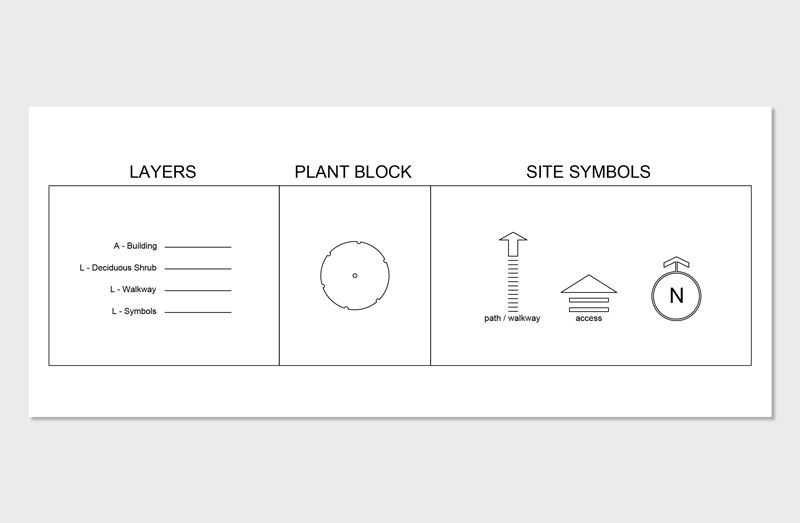
Organize Your Drawing with Layers
Refine the Details in AutoCAD as the Design Evolves
Let AutoCAD Improve Precision—Not Replace Creativity
What Should Stay Hand Drawn—and What Should Be Drafted in AutoCAD?
Hand Draw Your Initial Design Concepts
Sketch Multiple Design Options
Use AutoCAD for Accurate Layouts
Use AutoCAD to Draft Construction Information Digitally
Return to Sketching When Refining Ideas
Use AutoCAD to Communicate, Not to Create
Let Each Tool Do What It Does Best
Learn the Complete Workflow with Our AutoCAD for Landscape Design Course
Frequently Asked Questions
How do you sketch in AutoCAD?
Are you able to import 2D sketches into AutoCAD?
Do professional landscape designers still sketch by hand?
Is AutoCAD replacing hand drawing?
Should I sketch before using AutoCAD?
Can I learn AutoCAD if I've only designed by hand?

© 2026 The Landscape Library. All rights reserved.